On-call rotations in Slack. No Slack Pro needed.
Sched hands off your rotations on schedule. It DMs whoever is going on and off duty, posts the handoff to your team's channel, and answers /oncall from any channel. It works on free Slack and in workspaces where admins lock down user groups.

One-click install · Works on every Slack plan · Can't read your messages
Already installed? Sign in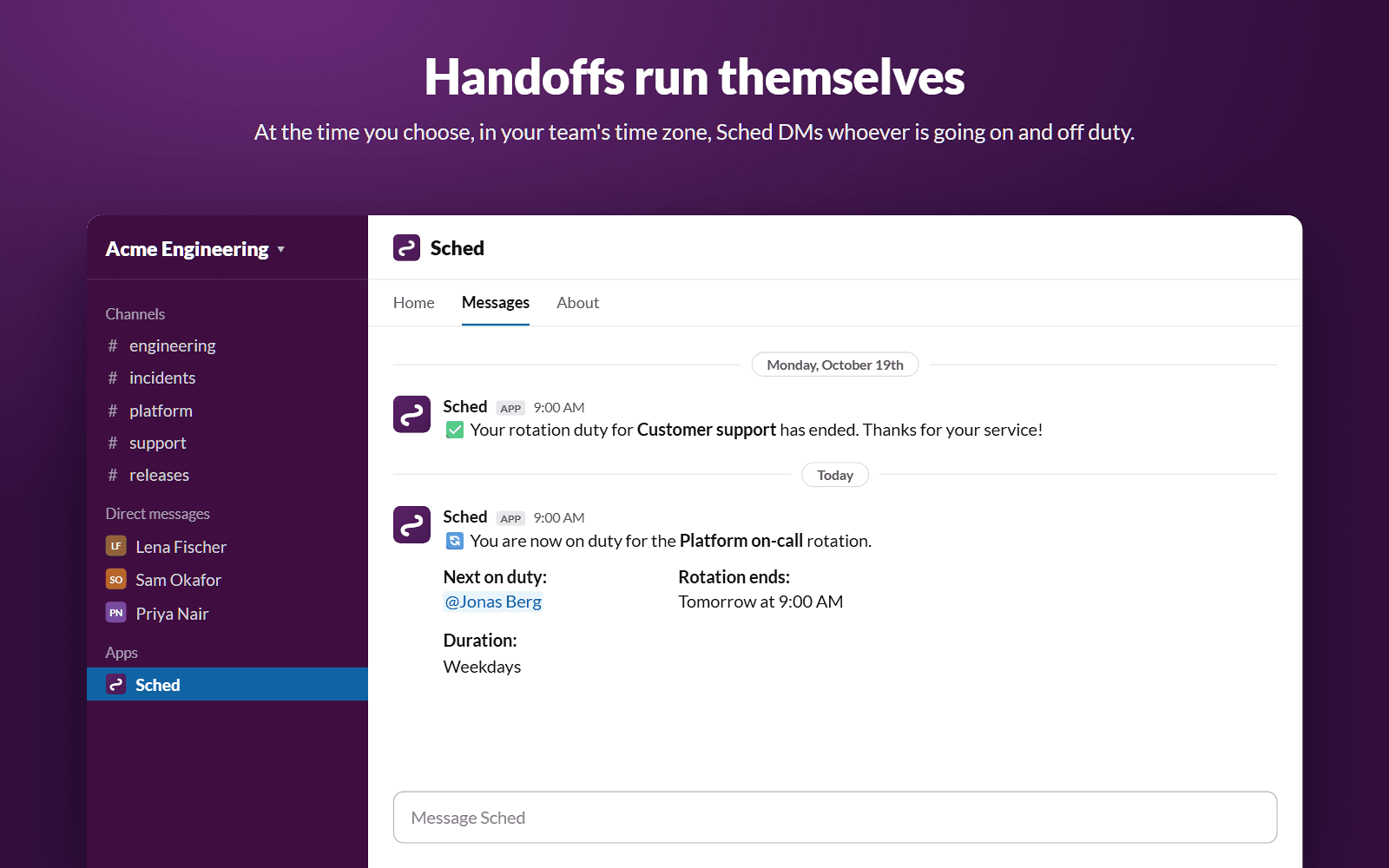
How Sched Works with Slack
Built for engineering teams, DevOps, and SREs — set up once, run automatically
1. Install
Add Sched to your Slack workspace with one click
2. Configure
Pick the people, the handoff days and the time
3. Automate
Handoffs happen on schedule, in your time zone
4. Notify
DMs and a channel post at every handoff
Simple pricing
Start free, upgrade when you need more
Free
For small teams getting started
Pro
For growing teams with more rotations
- Unlimited schedules
- Unlimited team members
- Works on every Slack plan
The on-call rotation tool built for Slack
Sched is an on-call scheduling and rotation app that runs inside Slack. Many rotation apps for Slack depend on user groups, which the free Slack plan doesn't have and many admins lock down. Sched works without them. It hands off every rotation on schedule, DMs the incoming and outgoing person, posts the handoff to your team's channel, answers /oncall from any channel, and keeps a full rotation history. On paid Slack plans it can also keep a user group like @oncall pointed at whoever is on duty. Ideal for on-call engineering, incident response, support rotations, and any job your team takes turns on.
Frequently asked questions
- Do I need Slack Pro or admin approval?
- No. Handoff DMs, channel announcements, /oncall and App Home work on every Slack plan, including free, and don't need permission to manage user groups. Many rotation apps for Slack depend on user groups, which free Slack doesn't have and many admins lock down.
- What can Sched see in my Slack workspace?
- Very little. Sched asks for 6 permissions when you install it: send messages as @sched, see the people in your workspace so you can pick them for a rotation, add the /oncall command, see your workspace's name, and, if you allow it, view and manage user groups. It can't read messages in channels or DMs, and it can't see your teammates' email addresses. When you sign in to Sched's website, Slack shares your own name and email with us.
- Can Sched update a Slack user group like @oncall?
- Yes, on paid Slack plans where admins let apps manage user groups. Sched swaps the group's members at each handoff, so @oncall always reaches whoever is on duty.
- Is Sched free?
- Yes. The Free plan supports up to 3 active rotation schedules per Slack workspace, with unlimited team members. Pro is $9.99 per workspace per month for unlimited schedules.
- Does Sched work with Slack Enterprise Grid?
- Yes, Sched supports Slack Enterprise Grid org-wide installs. Enterprise workspaces are billed separately — contact us to discuss pricing.
- Can I use Sched for on-call, support, or incident response rotations?
- Yes. Sched fits any job your team takes turns on: on-call engineering, incident response, customer support, release captain, standup host, weekend coverage, and more.